You need to insert two tracking scripts to ensure our tracking is working properly on your Shopify headless store.
1. Insert a script into your Shopify store checkout page. Follow this easy step-by-step guide.
2. Insert a second script*, either:
a: in the header of your storefront source code on all pages (preferred),
or
b: Insert it on all pages via your Google Tag Manager.
Guide to inserting the script in Google Tag Manager: Click to view the guide
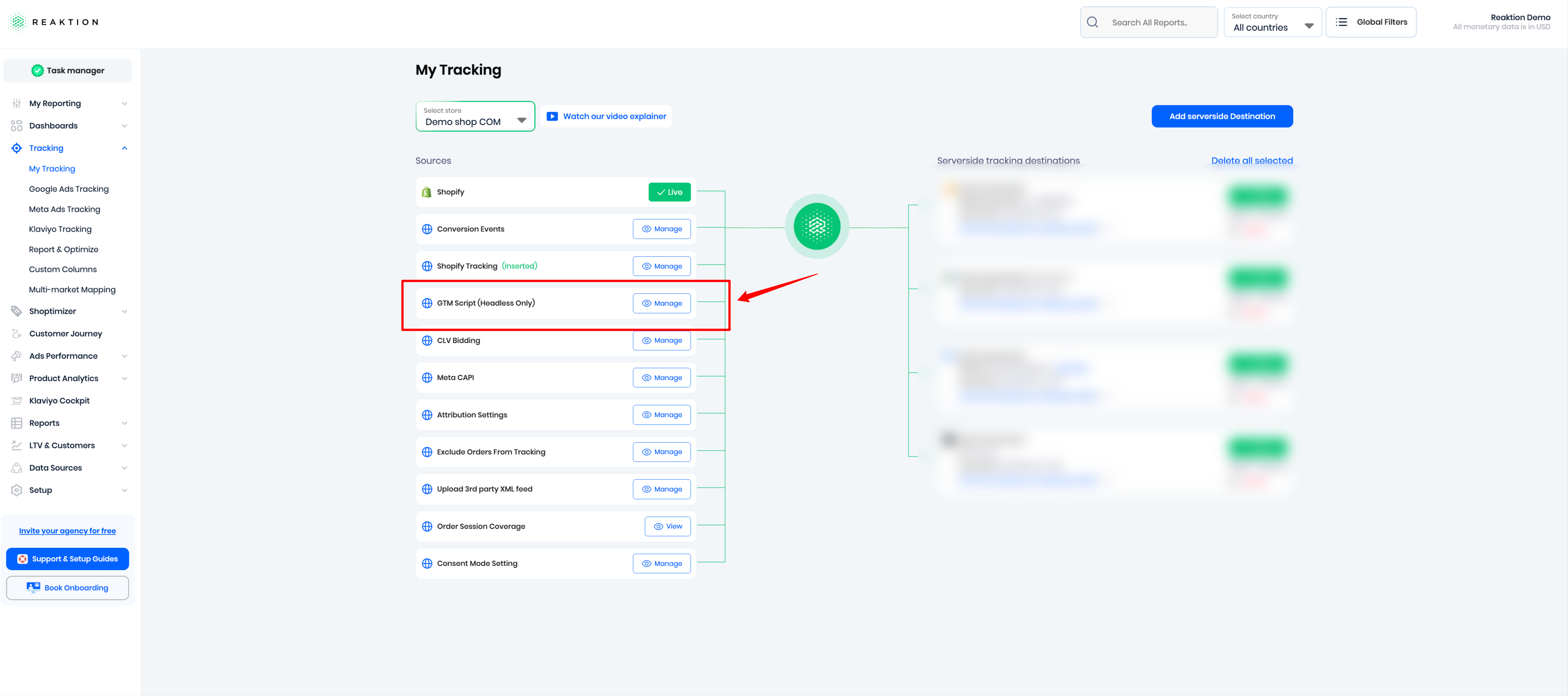
*You can find the second script in My Tracking as screenshot below:
Was this article helpful?
That’s Great!
Thank you for your feedback
Sorry! We couldn't be helpful
Thank you for your feedback
Feedback sent
We appreciate your effort and will try to fix the article
