If you see the following popup when trying to view ad creatives in Creative Cockpit
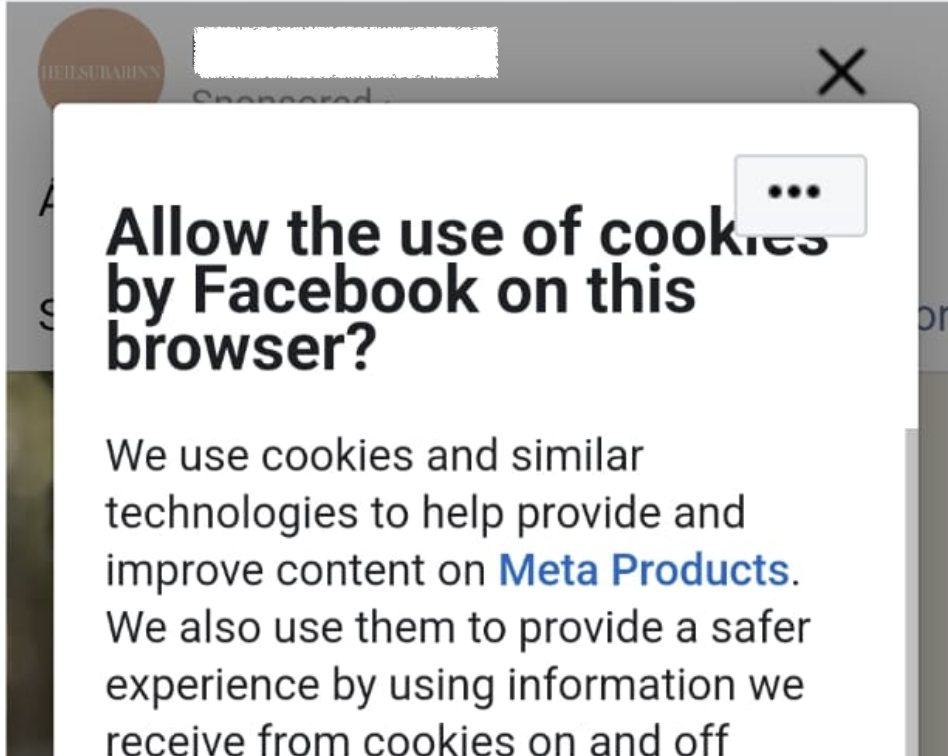
How to resolve the issue
- Open Facebook in your default web browser.
Please make sure you are using the browser version, not the Facebook mobile app. - Log in to your Facebook account.
- Accept the required cookies when prompted.
- Return to Creative Cockpit in Reaktion and reload the page.
The popup should no longer appear, and you should be able to view your ad creatives normally.
Was this article helpful?
That’s Great!
Thank you for your feedback
Sorry! We couldn't be helpful
Thank you for your feedback
Feedback sent
We appreciate your effort and will try to fix the article