For Shopify Users (billed directly via Shopify):
- Go to Shopify Admin: https://admin.shopify.com/
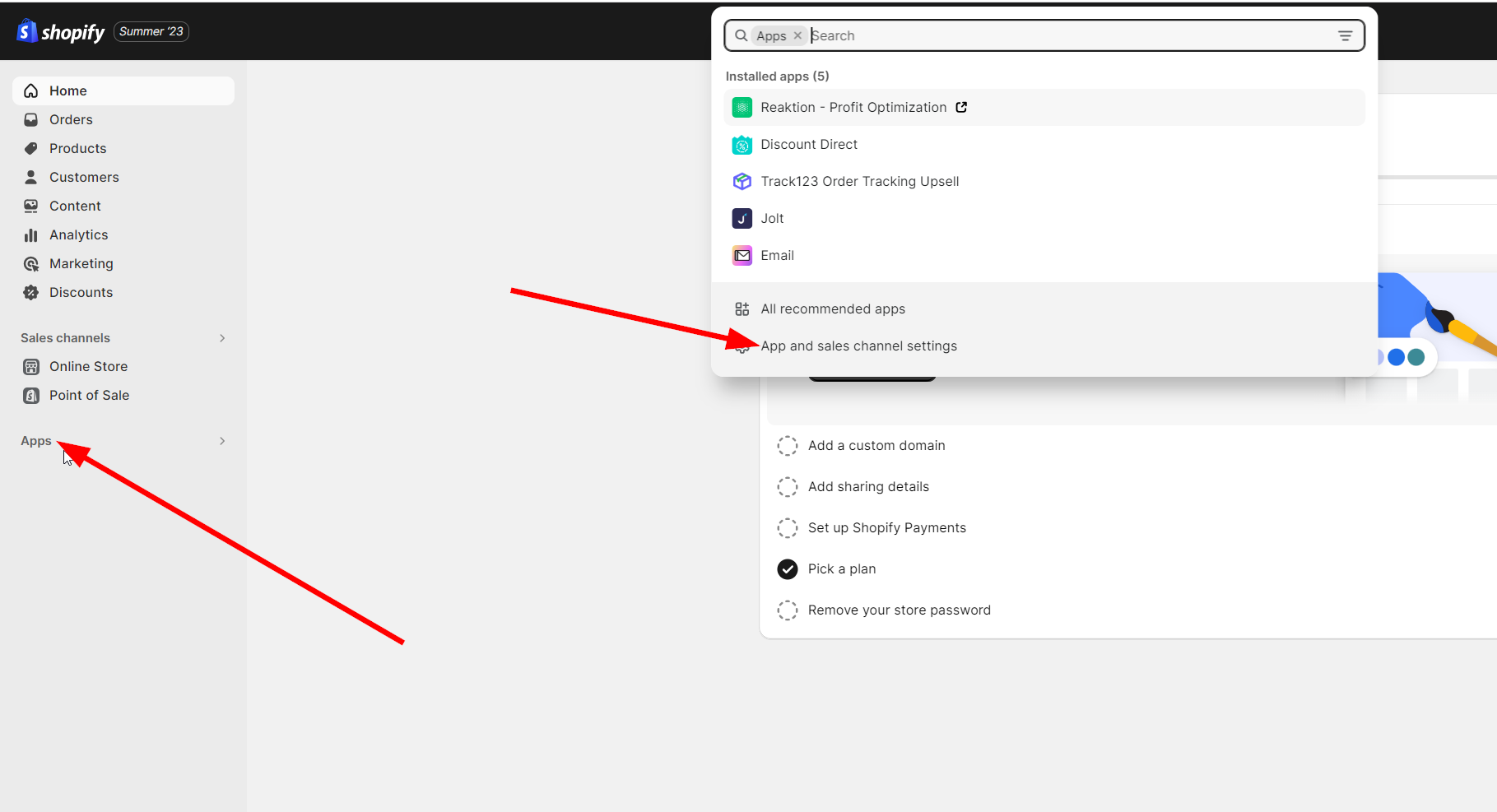
- Click on Apps → App and Sales Channel Settings
- You’ll be redirected to your store’s app list.
- Find Reaktion in the list and click on it to view your subscription details.
For Non-Shopify Users and Shopify Users (billed via Stripe):
- Visit the Customer Portal at this link: https://billing.stripe.com/p/login/5kA28qdGsbkecak6oo
- Enter the email address associated with the subscription.
- Follow the link sent to your email to access your billing details
Was this article helpful?
That’s Great!
Thank you for your feedback
Sorry! We couldn't be helpful
Thank you for your feedback
Feedback sent
We appreciate your effort and will try to fix the article