In Reaktion, you can manage consent settings under My Tracking.
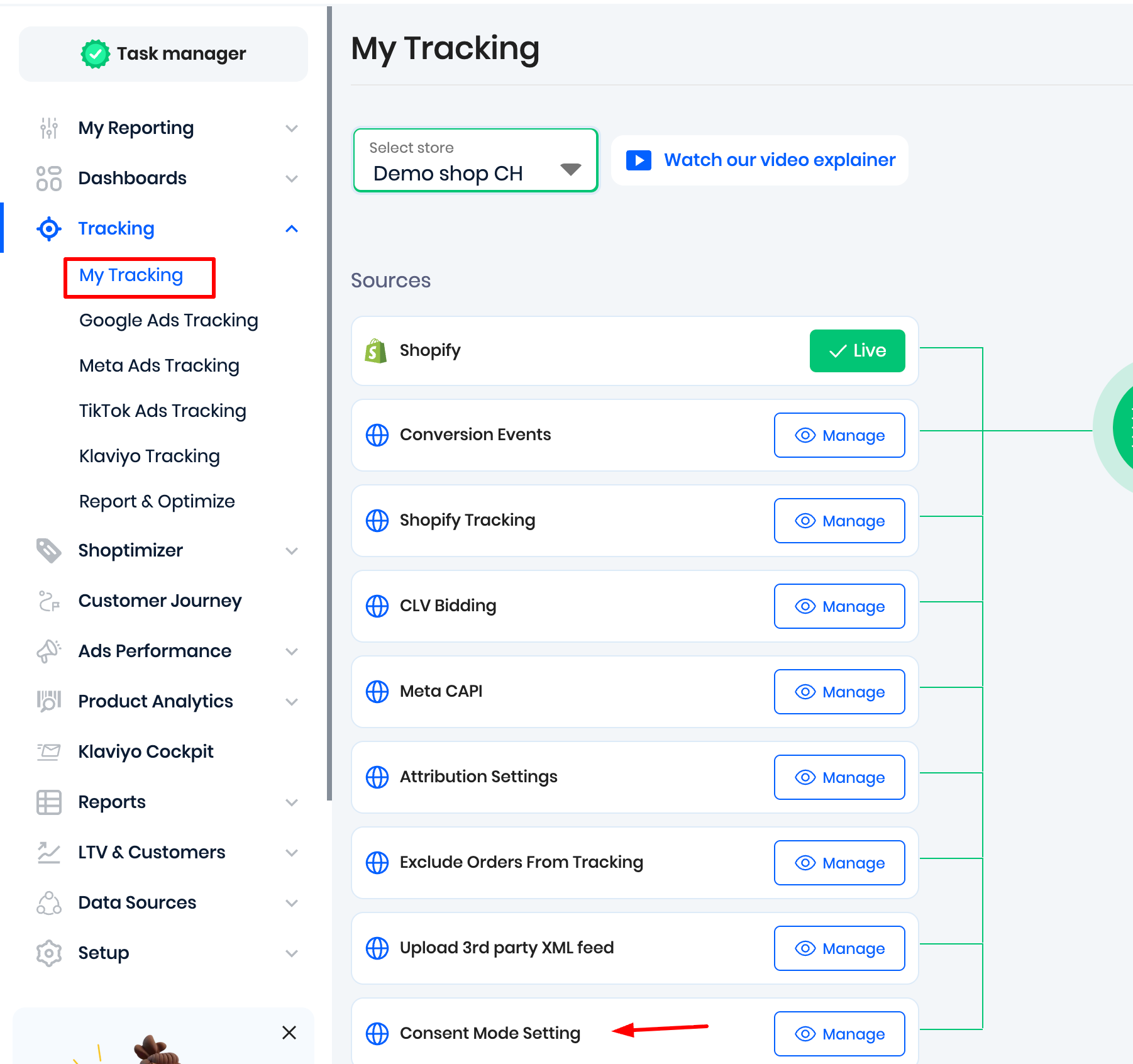
Click on "Manage" next to "Consent Mode Setting". Here, you can enable consent mode settings.
With enabled consent mode settings, Reaktion is reading the consent mode set by your Consent Management Platform.
Here is a short video explaining the consent mode settings and the importance of having a Consent Management Platform:
IMPORTANT:
Before enabling Consent Mode settings, make sure that your Consent Management Platform is correctly using one of the below supported methods for managing consent:
Method 1:
Shopify, cookieinformation.com, or complianz CMPs
We have direct integrations with Shopify, cookieinformation.com, and complianz CMPs. Here we read the consent status directly from the CMP. So it's working out-of-the-box. It's safe to enable.
Method 2:
If you are not using Shopify, cookieinformation.com, or Complianz CMPs:
Then we read the consent status set in the GA4 data layer. This consent status should be pushed via your own Consent Management Platform. It's very important to note that the consent status must be pushed to the GA4 data layer using the officially documented approach.
Otherwise, the Reaktion tracking will act as if the user consent is always rejected. Causing our tracking to perform poorly, assuming all users lack consent. So please verify that consent is set correctly in the GA4 data layer before enabling consent mode settings.
Was this article helpful?
That’s Great!
Thank you for your feedback
Sorry! We couldn't be helpful
Thank you for your feedback
Feedback sent
We appreciate your effort and will try to fix the article