RFM stands for Recency (how recently someone bought), Frequency (how often they buy), and Monetary (how much they spend).
By segmenting customers using these three signals you can target your most valuable buyers and prioritize retention and growth efforts.
You can use the segments to create very specific re-targeting audiences, for use in campaigns designed to increase loyalty and customer lifetime value.
You can also leverage lookalike audiences to focus on acquiring new customers that are similar to your most valuable customers.
If you run a Shopify store, Reaktion enables you to define customer segments based on:
- At Risk/Can't Lose Them (Low Recency, High Frequency and Monetary value)
Formerly high-value customers who haven't made a purchase for a long time. Win them back with personalized re-engagement campaigns.
- Champions (High Recency, Frequency and Monetary Value)
Highest-value customers. Reward them with exclusive access, early product launches, and loyalty programs.
- Hibernating (Low Recency, Frequency and Monetary Value)
Low activity. Try to re-engage with win-back offers or let them go to focus on better segments.
- Loyal Customers (High Frequency, Medium/High Recency)
Regular shoppers. Engage with loyalty programs and product recommendations.
- New Customers (High Recency, Low Frequency)
Recently purchased. Focus on onboarding and encouraging a second purchase.
To access this feature go to LTV & Customers → Customer audiences or click the link below:
https://advertiser.reaktion.com/customers/segmentation/rfm
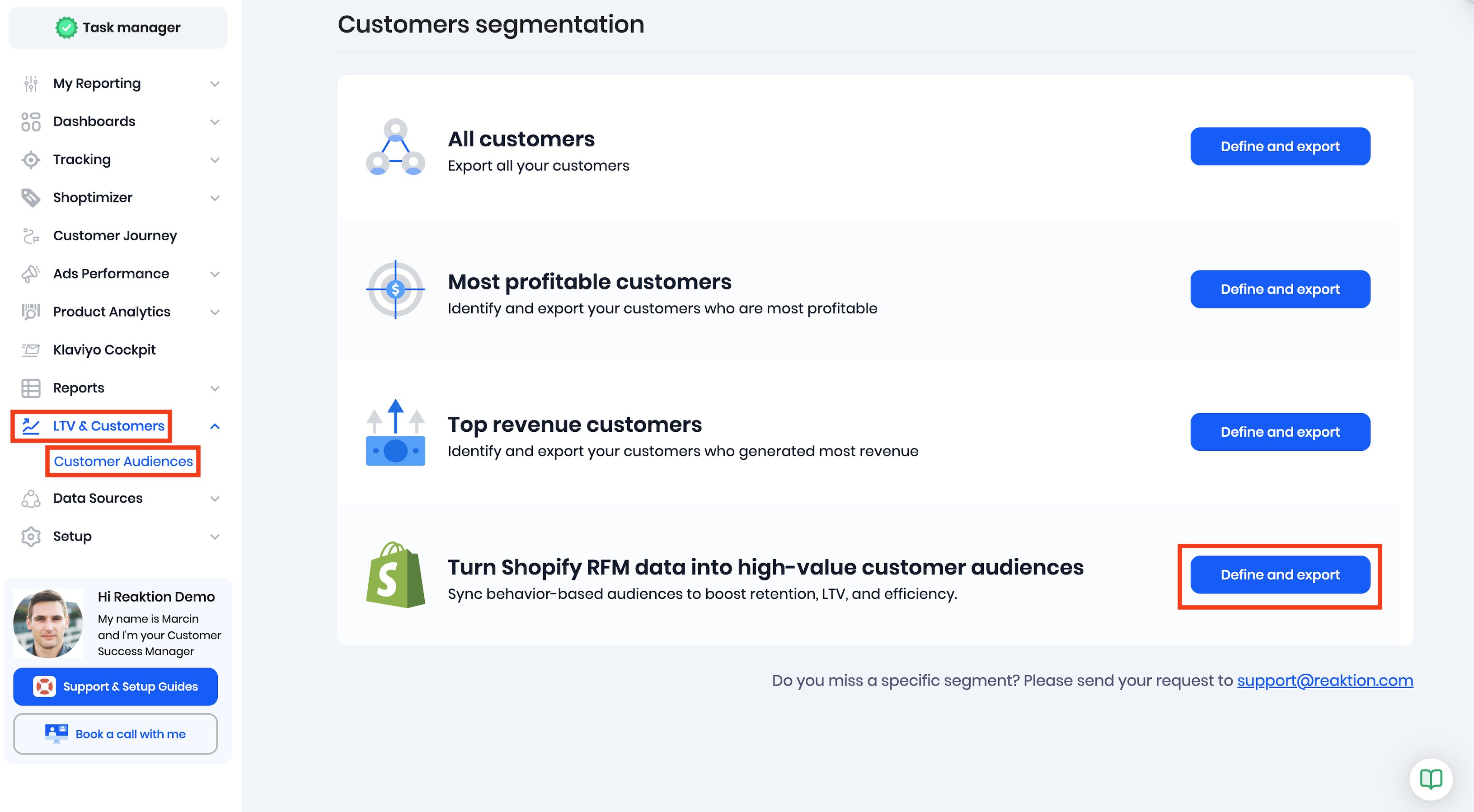
First, select a store or market you will be focusing on.
After you select one (or multiple) of the available segments, you will see:
- an estimated lookalike audience size
- average number of orders made by the customers included in the audience
- average accumulated revenue from all orders made by the customers
- and their average accumulated gross profit
Next, you can either:
- export a CSV file with the encrypted customer data, ready to be imported into Meta Ads, Google Ads or Snapchat Ads to create an audience
- or Sync the customer data with one of your existing audiences in Meta Ads
If you choose to Sync audience with Meta Ads, you will be asked to select an ad account and one of the existing audiences. It's best to create a new custom audience in Meta Ads beforehand.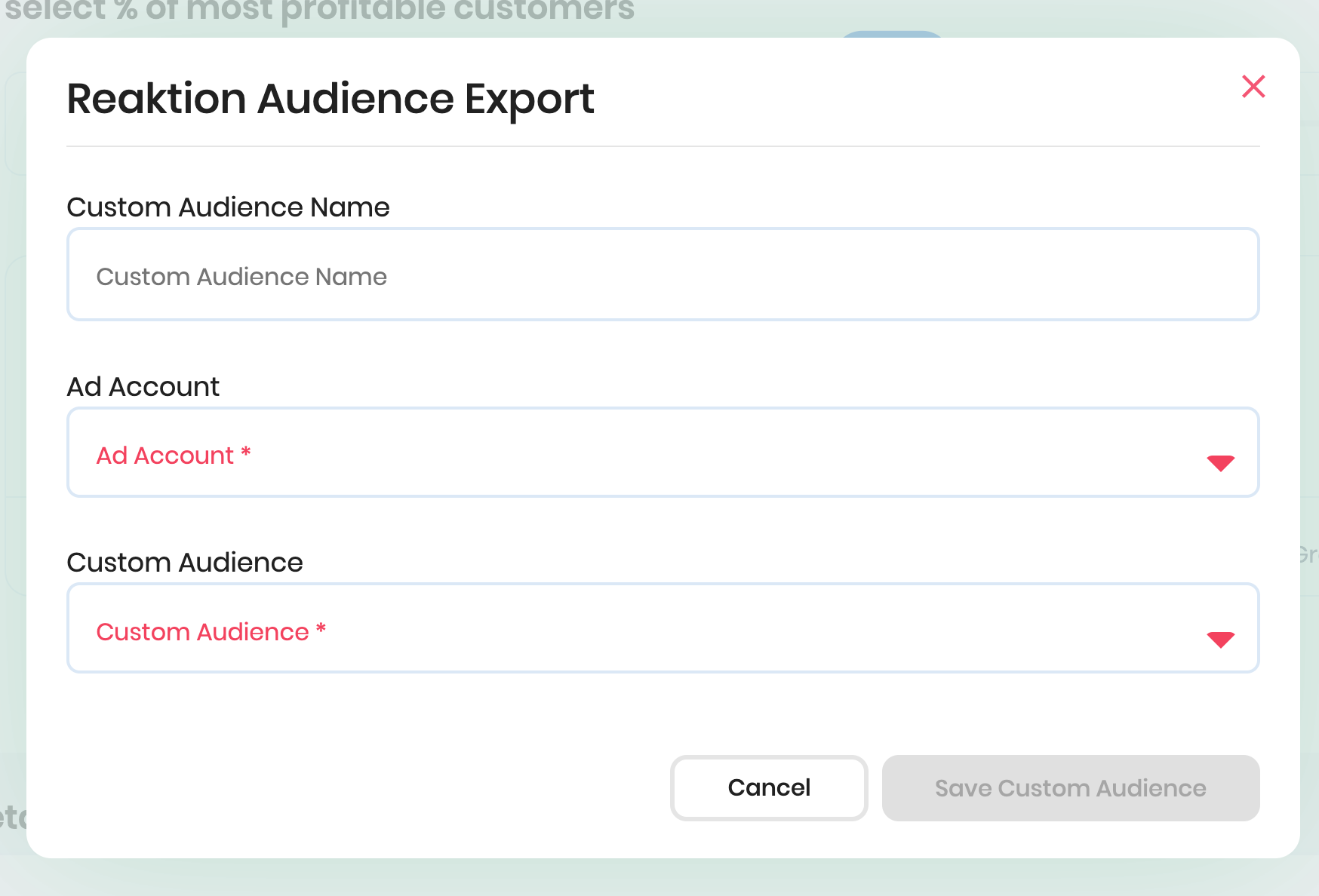
Click Save and allow up to 24 hours for full audience synchronisation.
The synced Meta Ads audiences are dynamic. This means that we perform daily checks which customers meet the audience criteria and automatically add new customers to the audience, or remove customers, based on the latest data.
Was this article helpful?
That’s Great!
Thank you for your feedback
Sorry! We couldn't be helpful
Thank you for your feedback
Feedback sent
We appreciate your effort and will try to fix the article
