Log in to the Shopware Admin Panel.
Go to Settings → System and select
Integrations.

Click Add integration.

Select Administrator and copy the Access key ID (don't save or close the window yet).

In Reaktion, select Shopware as your e-commerce platform, enter your store's URL address,
and paste the Access key ID (API key).
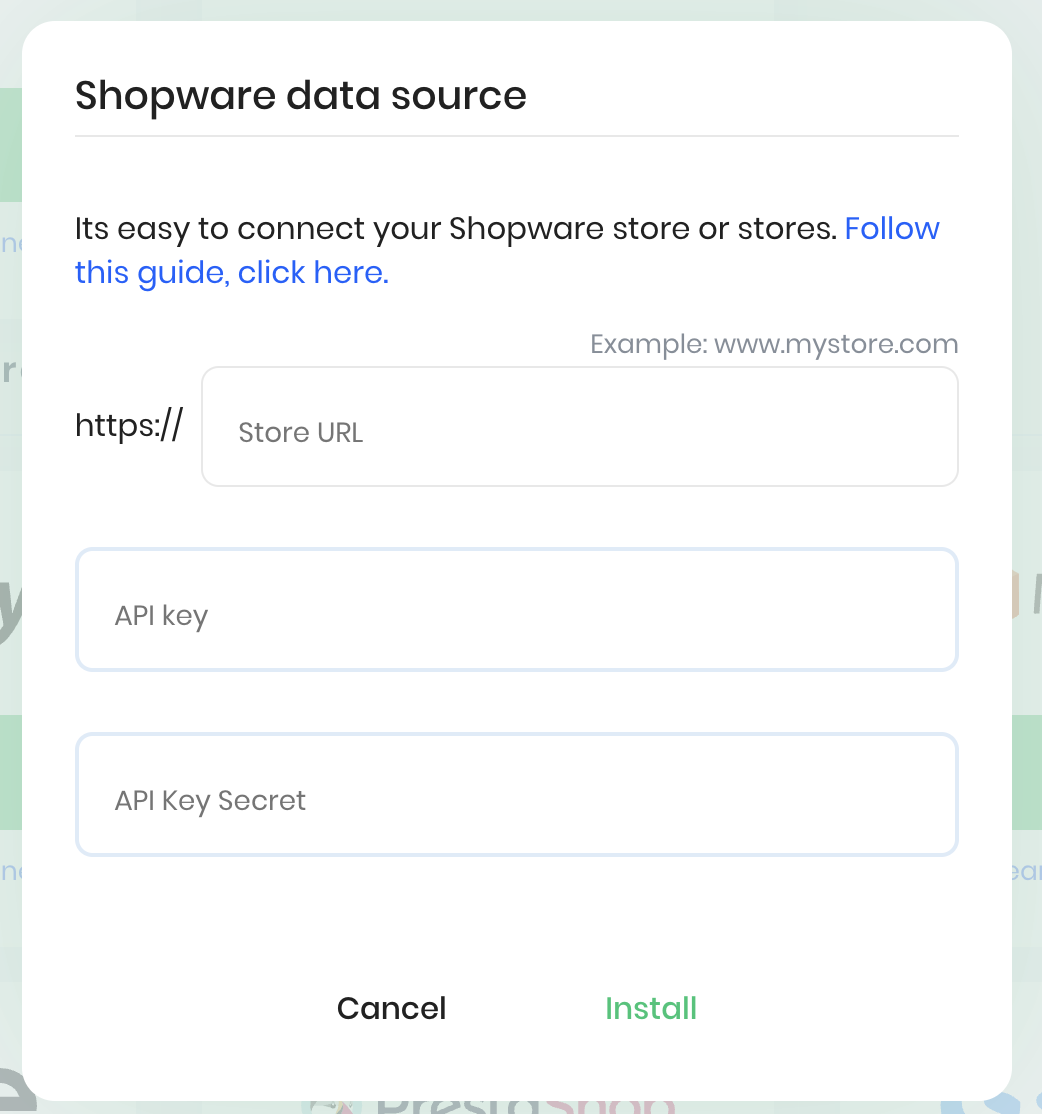
Go back to Shopware, copy the Secret access key, and then click Save Integration.
Return to Reaktion, paste the Secret access key, and click Install.
Please allow up to 48 hours for all historical data to fully synchronize.
To set up Reaktion server-side tracking:
1) Add our tracking script to Google Tag Manager as per the
2) Download the ReaktionTracking.zip plugin from this link.
- Connect to your Shopware server using FTP or a file manager
- Go to this folder on your server: custom/plugins/
- Upload the entire plugin folder called ReaktionTracking there
3) Activate the plugin:
- Log in to your Shopware Admin Panel
- Go to Settings > System > Plugins
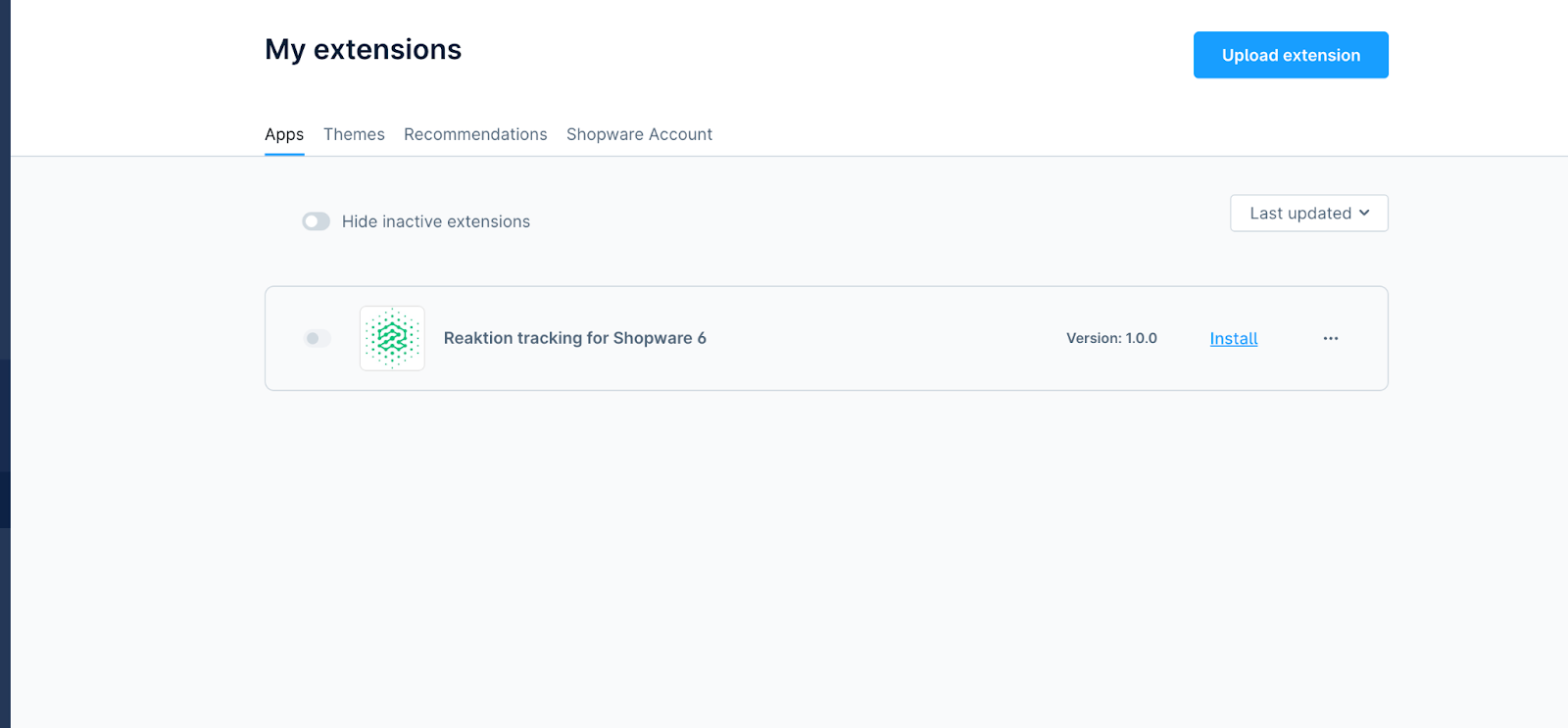
- Select Reaktion Tracking for Shopware 6 > Install > Activate
Was this article helpful?
That’s Great!
Thank you for your feedback
Sorry! We couldn't be helpful
Thank you for your feedback
Feedback sent
We appreciate your effort and will try to fix the article