IMPORTANT: We recommend creating a new GA4 property for integration with Reaktion. That way, you'll be able to configure Reaktion to send revenue data to the standard GA4 purchase event and take advantage of all the pre-made GA4 reports. Another reason behind creating a new property is that if you are using an existing GA4 property that is already receiving data, sending our data to it will result in over-reporting.
By default, we will send revenue data to the ReaktionRevenue custom conversion event, which requires setting up custom reports:
Step 1: Go to Google Analytics.
Step 2: Select your property and navigate to Data Streams

Step 3: Add a new stream

Step 4: Select the 'Web' option

Step 5: Write your store URL and name, then press Create stream

Step 6: Copy the Measurement ID marked with the red square

Step 7: Connect the GA4 data source in Reaktion: https://advertiser.reaktion.com/data-sources/select
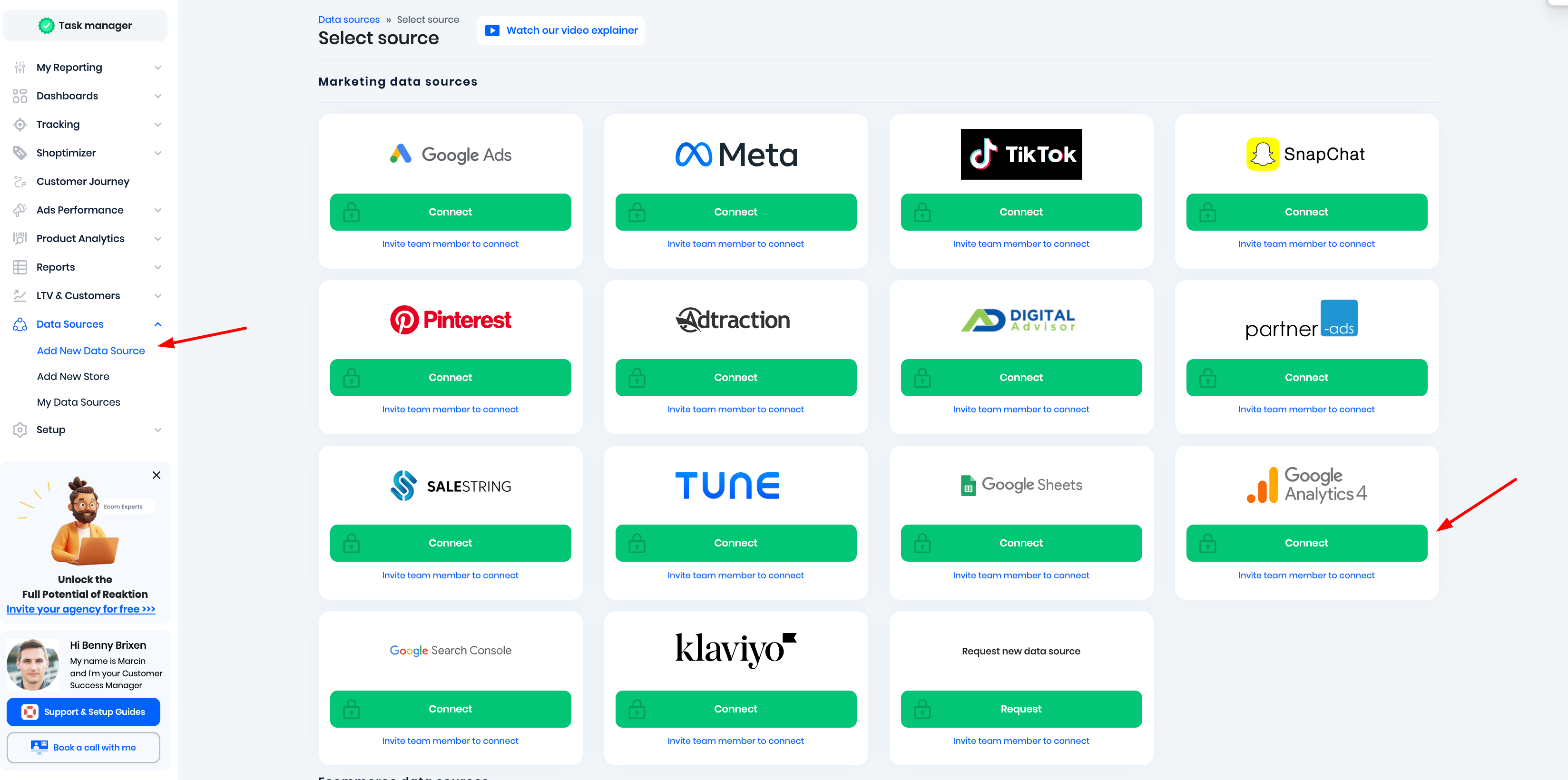
Step 8: Then navigate to the "My Tracking" page in Reaktion: https://advertiser.reaktion.com/tracking/my-tracking and add a new GA4 server-side destination:

Step 9: Paste the "Measurement ID" into the field in Reaktion:

Step 10: Then go back to the Analytics page and click on "Measurement API Protocol secrets" (below the measurement ID you just copied) to create an API secret

Step 11: Create a new API secret

Step 12: Type the name of the API secret

Step 13: Copy the API secret value

Step 14: Go back to the Reaktion GA4 setup page and paste the API secret into the field in Reaktion, then click Save:

If you have a store with multiple markets, add a new server-side destination for each of the markets:
- If you are using the same property for all markets, use the same Measurement ID and API Secret.
- If you're using separate properties for each of the markets, please create the Measurement ID and API secret in those specific properties.
You have now successfully set up GA4 server-side tracking. We now create our ReaktionRevenue and ReaktionProfit custom conversion events that track revenue and gross profit per transaction.
You can make all available GA4 breakdowns across Source, UTMs, etc. on our tracked revenue and gross profit.
If you have created a new GA4 property for Reaktion server-side tracking, you can now choose to send ReaktionRevenue data into the standard GA4 Purchase event:
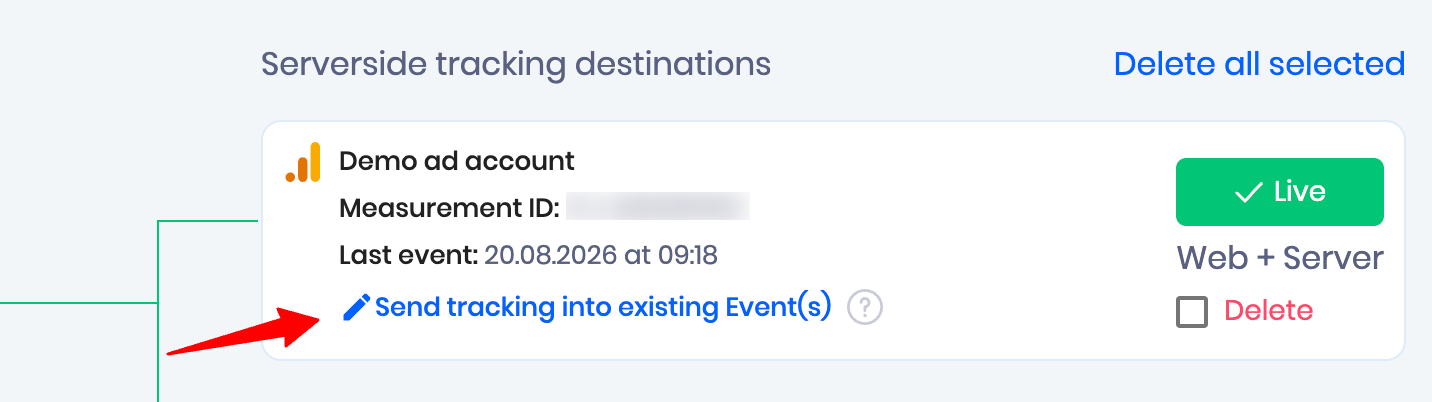
Just select Purchase and click Save:

Please ensure that the GA4 property is not receiving data from any other data stream except the Reaktion API to avoid data duplication.
Was this article helpful?
That’s Great!
Thank you for your feedback
Sorry! We couldn't be helpful
Thank you for your feedback
Feedback sent
We appreciate your effort and will try to fix the article