You can add and manage your COGS in 3 different ways.
1. Setup COGS directly in Magento2 as a product meta field base_cost. We then automatically synchronize those COGS into Reaktion.
2. Import an XML feed with COGS prices into Reaktion. Please read this guide
3. Set COGS directly in Reaktion (Easy if you don't have too many products). See this guide
Set a fallback "% COGS share" for all products without COGS prices
You can also manage a Fallback COGS cost % for all the products for which you haven't set an exact COGS. Please read this guide
NOTE: Under Setup > Cost Settings > Cost of Goods Sold (COGS) section, you can view the status of the COGS data import. After the initial sync, you can see the status here:
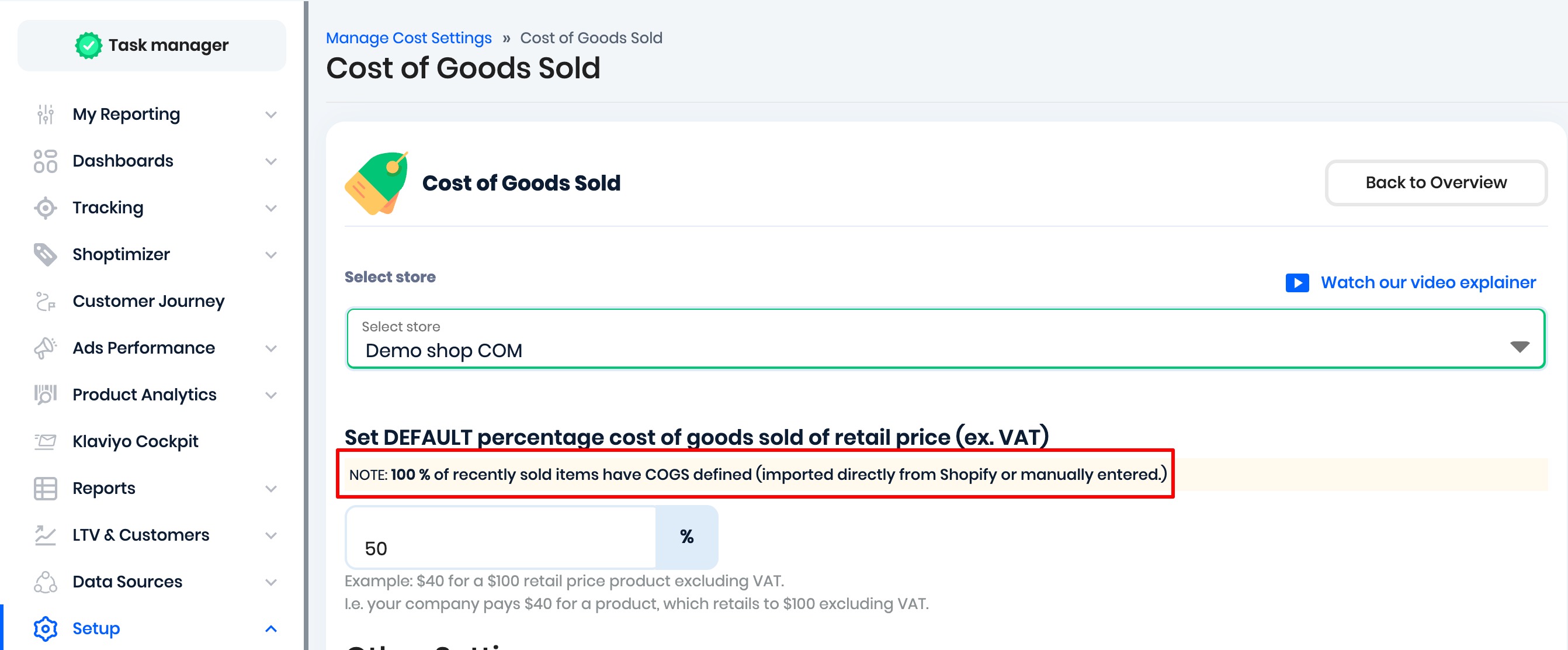
This analysis is based on sold-item data from the last 30 days. This allows users to instantly understand how their COGS are being populated, whether from an e-commerce store, a fallback percentage, an XML feed, etc.
Was this article helpful?
That’s Great!
Thank you for your feedback
Sorry! We couldn't be helpful
Thank you for your feedback
Feedback sent
We appreciate your effort and will try to fix the article